Rotate a misaligned video for free
With just a few clicks, you can flip videos 90 degrees and vertically equilaterally, or you can custom rotate videos.
If a video is accidentally upside down or plays vertically instead of landscape, you can rotate the video 90°, 180°, or 270°.
If you're adapting a video for use on mobile devices or social media, rotating it with XMedia Recode ensures the video is displayed in the correct orientation.
Step-by-step guide: How to Rotate video for free (90°, 180°, 270°)
In this guide, we'll show you how to rotate a misaligned video in just a few simple steps.
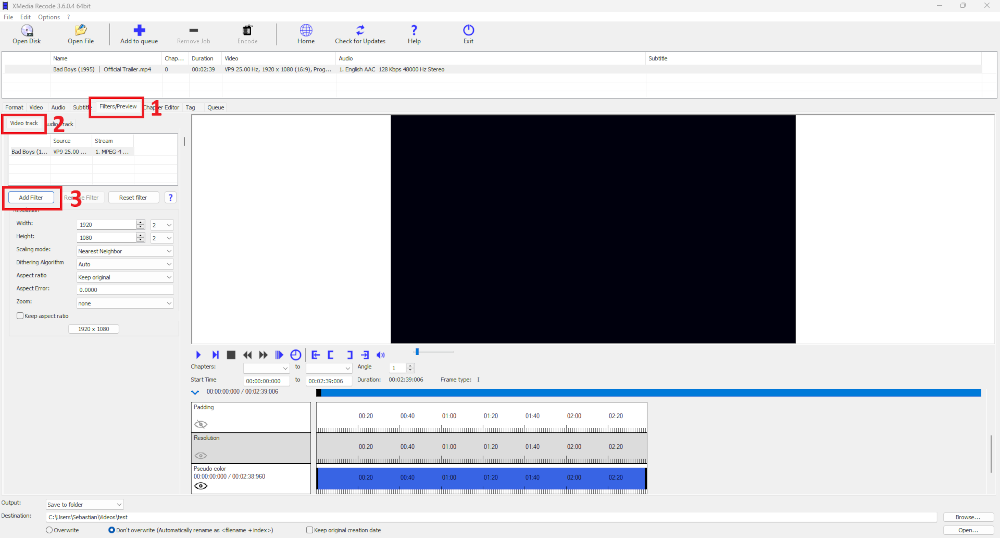
Step 1: Select the "Filter/Preview" tab and click the "Video Track" tab
You can add the Rotate filter using the "Add filter" button.
Step 2: Select Rotate filter and click "Add"
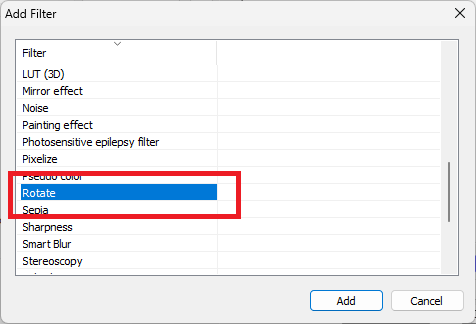
Step 3: Select Rotate and set settings
Advertisement
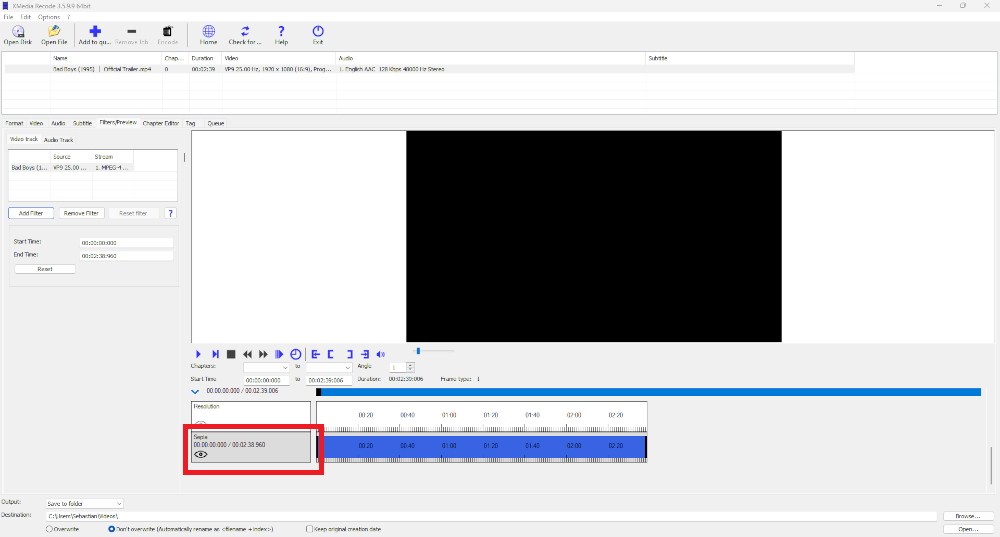
Step 4: Activate Rotate filter
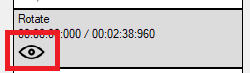
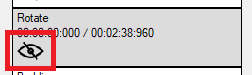
If you click on the eye, the Rotate filter can be activated or deactivated.
Rotate filter activatedfore
Rotate filter deactivated
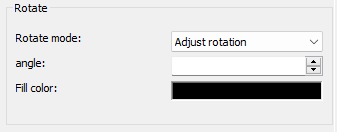
Rotate mode
Specifies the direction in which the video is rotated.
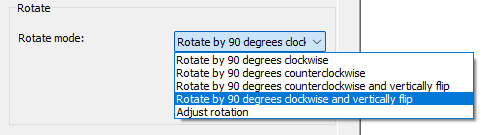
- Rotate video 90 degrees clockwise
- Rotate video 90 degrees counterclockwise
- Rotate video 90 degrees counterclockwise and mirror vertically
- Rotate video 90 degrees clockwise and mirror vertically
- Adjust rotation
Example: Rotate video 90 degrees clockwise
Before

After

Advertisement
Rotate video 90 degrees counterclockwise
Before
After

Rotate video 90 degrees counterclockwise and mirror vertically
Before
After

Advertisement
Rotate video 90 degrees clockwise and mirror vertically
Before
After

Custom rotate video
With this function you can rotate videos from 0 to 360°.