Delogo: Remove logos or watermarks form video with XMedia Recode
The Delogo Filter removes unwanted logos or watermarks from videos by automatically analyzing the affected areas and seamlessly filling them with the surrounding image content, keeping the video aesthetically pleasing.
The Delogo filter is particularly suitable for editing videos where removing brand logos or watermarks is required.
Step-by-Step Guide: Remove logos or watermarks form video
In this guide, we'll show you how to remove unwanted logos or watermarks from videos in just a few simple steps.
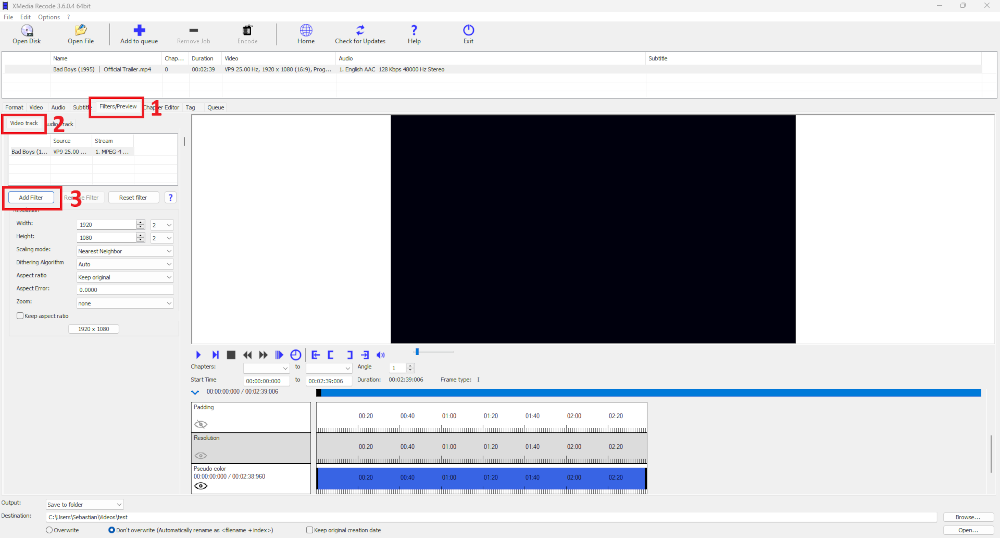
Step 1: Select the "Filter/Preview" tab and click the "Video Track" tab
You can add the Delogo filter using the "Add filter" button.
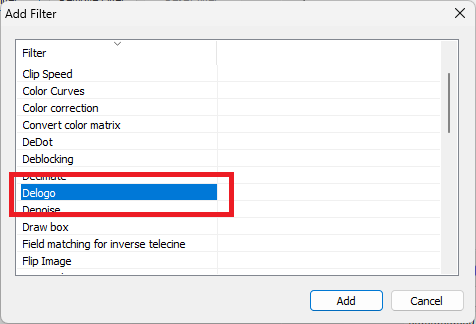
Step 2: Select Delogo filter and click "Add"
Step 3: Select Delogo and set settings
Advertisement
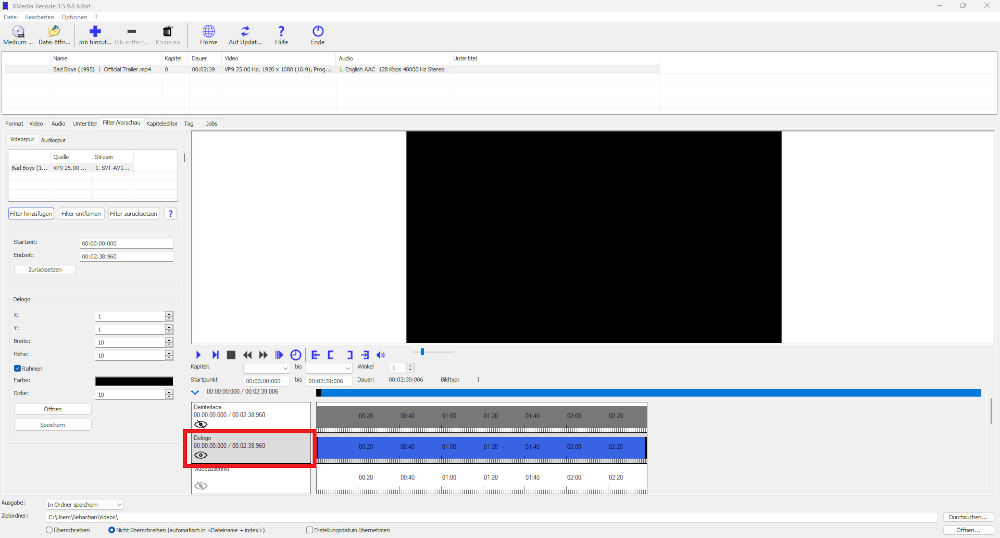
Step 4: Activate Delogo filter
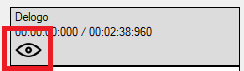
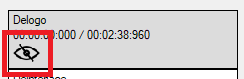
If you click on the eye, the Delogo filter can be activated or deactivated.
Delogo filter activated
Delogo filter deactivated
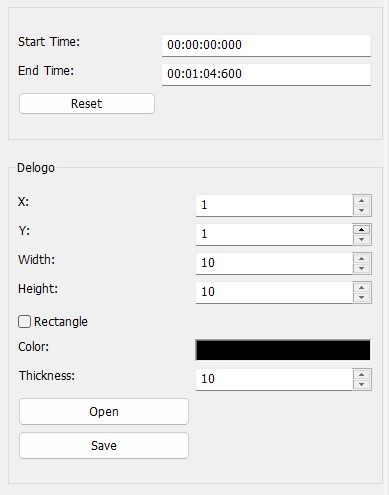
Start Time
- Specifies the start time of the delogo filter.
End Time
- Specifies the desired end time of the delogo filter.
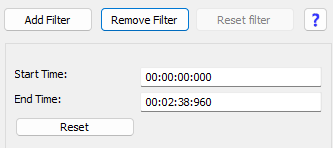
To apply the Delogo filter precisely, the start time and end time must also be defined in the video. The start time indicates at what point in the video the logo or watermark should be removed, while the end time marks the point at which the removal ends. This enables targeted editing and prevents the filter from being unnecessarily applied to areas where there is no logo.
Coordinates of the logo
To remove the logo or watermark, you need to specify the position on the X and Y axes as well as the width and height of the area to be removed to ensure that the filter is applied exactly to the desired logo or watermark.
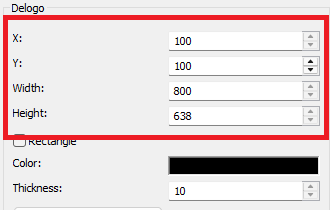
X
- Specifies the start position of the logo on the X-axis.
Y
- Specifies the start position of the logo on the Y-axis.
Width
- Specifies the width of the logo.
Height
- Specifies the height of the logo.
Advertisement
Open
Opens a file with Delogo filter settings.
Save
Save the current settings of the Delogo filter to a file.
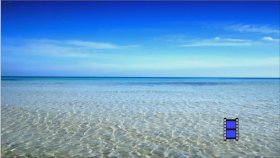
Delogo Example
Before and after comparison: How the Delogo filter removes logos
Before
After