
Audio Tab: Audio Codec Configuration
Setting options in the Audio tab
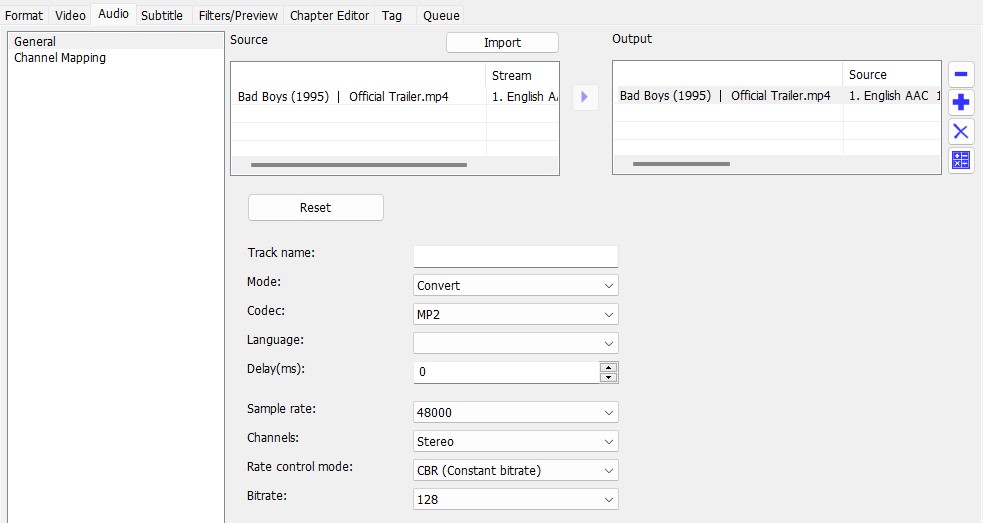
Audio stream
 |
Add audio stream |
 |
change the order of the audio streams |
 |
change the order of the audio streams |
 |
Remove audio stream |
 |
Bitrate calculator |
Import
Imports external audio streams
Mode
Specifies whether the audio track is converted or copied.

Advertisement
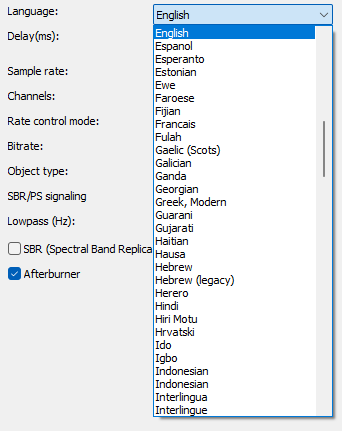
Language
Sets the language that the player displays when playing.
Delay(ms)
Sets the delay of the audio stream.
Positive values start the stream later.
Negative values start the stream earlier.
Advertisement
Channels
Sets the audio channel mode.
Sample rate
Specifies the sample rate. The higher the sample rate, the richer the sound. The values are between 16000 and 48000 Hz.
Bitrate mode
Sets the control mode for audio encoding. The choices depend on the audio codecs available.
Bitrate
Sets the bitrate. A higher bit rate improves the sound quality but also increases the size of the file. Values are between 32 and 320 kbps.