
MP3 - Codec settings
The MP3 (MPEG Audio Layer 3) codec is a lossy audio compression format designed to compress audio data while maintaining acceptable sound quality by removing inaudible or hard-to-detect sounds that the human ear cannot perceive in order to reduce file size.
XMedia Recode uses LAME MP3 encoder.
LAME is one of the best MP3 encoders that you can use for converting audio.
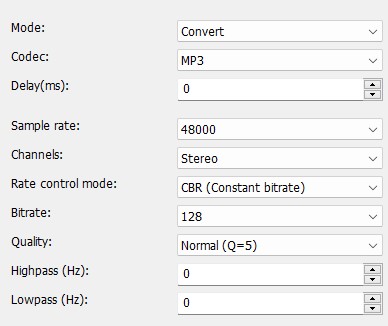
Mode
Specifies whether the audio track is converted or copied.

Advertisement
Codec
Specifies which audio codec is used for encoding.
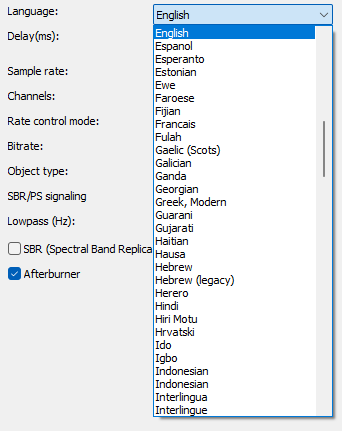
Language
Sets the language that the player displays when playing.
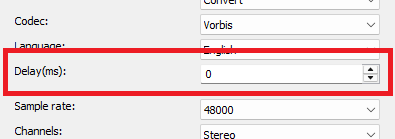
Delay(ms)
Sets the delay of the audio stream.
Positive values start the stream later.
Negative values start the stream earlier.
Sample rate
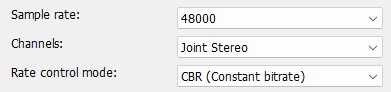
Specifies the sample rate.
The higher the sample rate, the richer the sound. The values are between 8000 and 48000 Hz.
Advertisement
Rate control mode
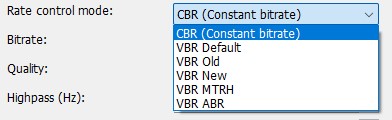
- CBR (Constant bitrate)
- VBR Default
- VBR Old
- VBR New
- VBR MTRH
- VBR ABR
CBR (Constant bitrate)

Bitrate
Sets the bitrate. A higher bit rate improves the sound quality but also increases the size of the file. Values are between 32 and 320 kbps.
VBR Default
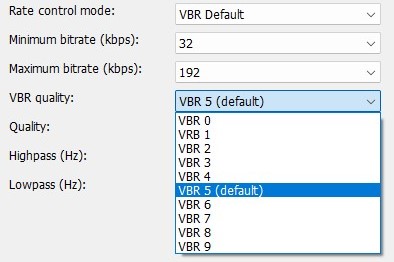
Minimum bitrate
Sets the minimum permitted bitrate. Values are between 32 and 320 kbps.
Maximum bitrate
Sets the maximum permitted bitrate. Values are between 32 and 320 kbps.
VBR Quality
VBR quality is denoted from 9 to 0, with 0 being the best.
- VBR 0
- VBR 1
- VBR 2
- VBR 3
- VBR 4
- VBR 5
- VBR 6
- VBR 7
- VBR 8
- VBR 9
Channels
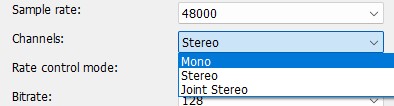
- Mono
- Stereo
- Joint Stereo (Analyzes the differences between the right and left channels and removes the duplications, allowing better compression.)
Quality
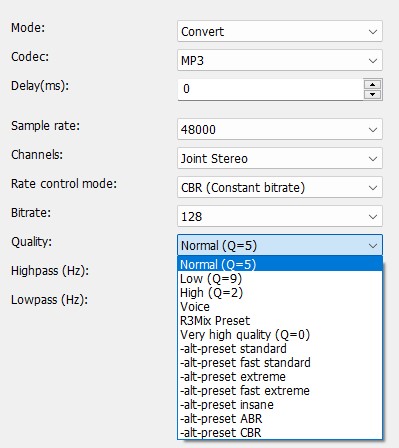
- Normal(Q=5)
- Low (Q=9)
- High (Q=2)
- Voice
- R3Mix Preset
- Very high quality (Q=0)
- -alt-preset standard
- -alt-preset fast standard
- -alt-preset extreme
- -alt-preset fast extreme
- -alt-preset insane
- -alt-preset ABR
- -alt-preset CBR
Highpass (Hz)
- Set highpass filter cutoff below frequency
Lowpass (Hz)
- Set the lowpass filter cutoff above frequency