HEVC/H.265- Codec settings
The HEVC/H.265 codec (also known as HEVC, High Efficiency Video Coding) is the successor to the H.264 video codec and offers much higher compression efficiency, meaning it can achieve the same video quality at about half the bitrate compared to H.264. This makes it particularly suitable for streaming, video transmission and storing high-resolution content such as 4K or 8K videos.
XMedia Recode uses the x265 codec for H.265 encoding. This codec is an open source implementation of the H.265/HEVC standard and allows XMedia Recode to encode videos with high compression and good quality.
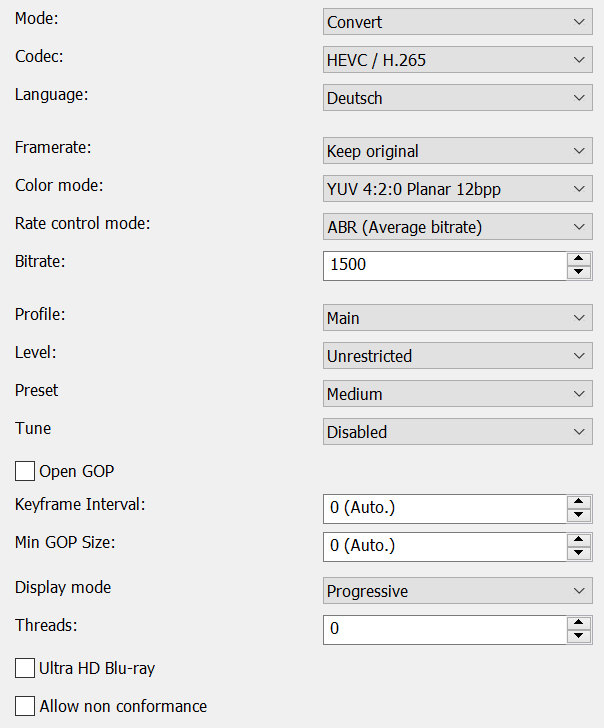
Mode
- Convert (convert video stream)
- Copy (copy video stream)

Codec
Determines which video codec to use for encoding.
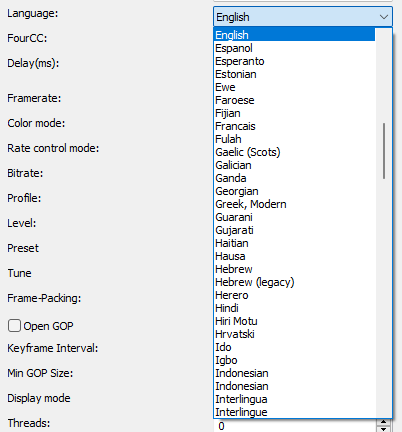
Language
Sets the language that displays when playing the player.
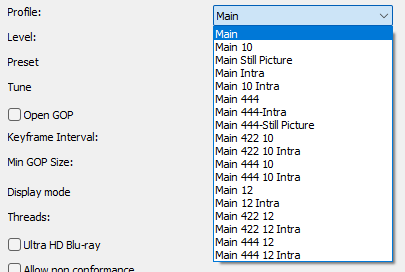
Profile
The H.265 profile (HEVC profile) defines the bit depth, color sampling, and compression functions used during video encoding.
It therefore determines image quality, file size, and device compatibility.
Common profiles are Main (8-bit, 4:2:0) for maximum compatibility and Main 10 (10-bit, 4:2:0) for improved color reproduction and HDR video.
- Main
- Main 10
- Main Still Picture
- Main Intra
- Main 10 Intra
- Main 444
- Main 444-Intra
- Main 444-Still Picture
- Main 422 10
- Main 422 10 Intra
- Main 444 10
- Main 444 10 Intra
- Main 12
- Main 12 Intra
- Main 422 12
- Main 422 12 Intra
- Main 444 12
- Main 444 12 Intra
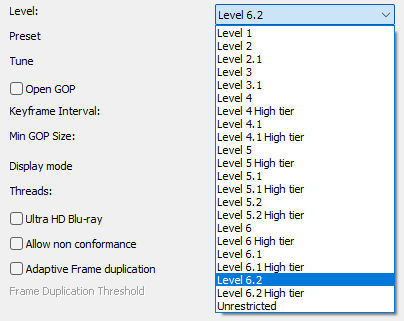
Level
The H.265/HEVC level defines the technical performance limits of a video, such as maximum resolution, frame rate, bitrate, and computational complexity.
It ensures that videos only utilize features supported by compatible playback devices and decoders.
Higher HEVC levels enable 4K, 8K, and high-FPS videos, but require more powerful hardware.
Preset
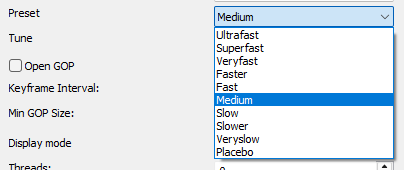
Sets parameters to preselected values, trading off compression efficiency against encoding speed. These parameters are applied before all other input parameters are applied, and so you can override any parameters that these values control.
- Ultrafast
- Superfast
- Veryfast
- Faster
- Fast
- Medium
- Slow
- Slower
- Veryslow
- Placebo
Tune
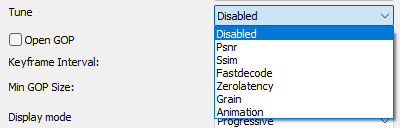
The tune option in the H.265 codec (libx265) optimizes the encoding for certain scenarios
- Disabled
- PSNR: Optimized for image quality, disables adaptive quant, psy-rd, and cutree
- SSIM: Optimized for visual quality (SSIM), enables adaptive quant auto-mode, disables psy-rd
- Fastdecode: Optimized for faster decoding,no loop filters, no weighted pred, no intra in B
- Zerolatency: Reduces delay for real-time applications, no lookahead, no B frames, no cutree
- Grain: Preserves the film grain effect
- Animation: Optimized for animated content
Framerate
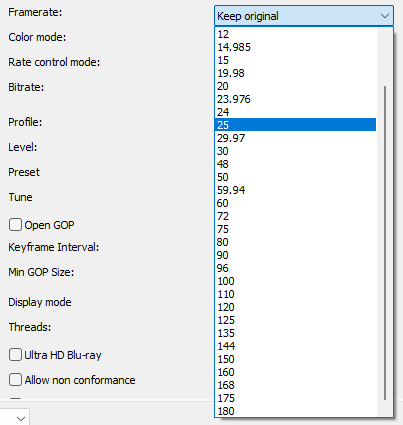
Specifies the output video rate.
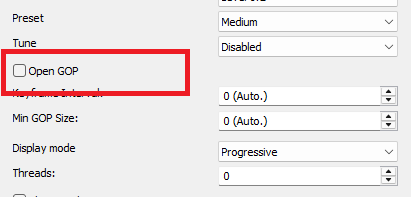
Open GOP
Open GOP (Open Group of Pictures) is a technique in video compression where the frames in a Group of Pictures (GOP) can access frames from the next GOP. This means that the last frame of a GOP can rely on reference data from the GOP that follows it, allowing for more efficient compression.
Vorteile
- Better compression:
By referencing adjacent GOPs, the file size can be reduced and compression efficiency improved.
- Better image quality:
Open GOP can often lead to higher image quality because it provides more image data for compression.
Advertisement
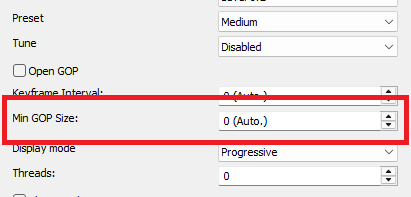
Min GOP (Group Of Pictures) length
Minimum GOP length, the minimum distance between I-frames.
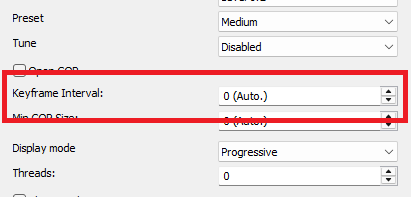
Keyframe Interval
This determines the maximum distance between I-frames
Very high GOP lengths will result in slightly more efficient compression, but will make seeking in the video somewhat more difficult
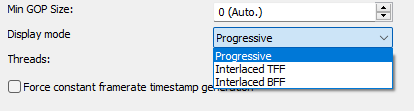
Display mode
- Progressive: must be set if the source material is progressive or is converted to progressive by a deinterlace filter.
- Interlaced TFF (Top field first): must be set if the source material is Interlaced TFF
- Interlaced BFF (Bottom field first): must be set if the source material is Interlaced BFF.
Color mode
Specify output colorspace format.
Threads
Enables parallel encoding by using more than 1 thread to increase speed on multi-core systems
Advertisement
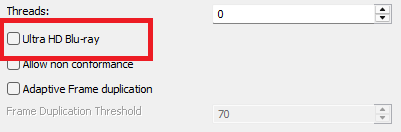
Ultra HD Blu-ray
Enable Ultra HD Blu-ray format support. If specified with incompatible encoding options, the encoder will attempt to modify/set the right encode specifications. If the encoder is unable to do so, this option will be turned OFF. Highly experimental.
Default: disabled
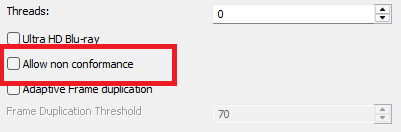
Allow non conformance
Allow libx265 to generate a bitstream with profile and level NONE. By default it will abort any encode which does not meet strict level compliance.
Default: disabled