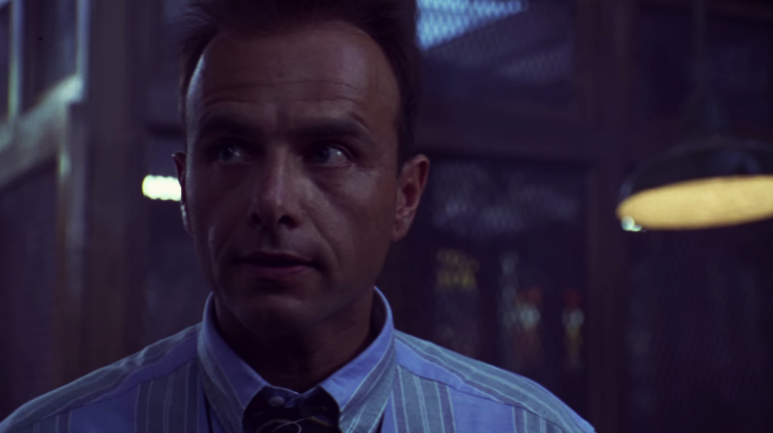
Lut 3D Video Filter: The Key to Professional Color Correction
With the LUT 3D filters you can perform professional color correction on videos in a simple and effective way.
LUT stands for "Look-Up Table" and refers to a file that contains color information to transform and optimize colors in a video or image.
The 3D LUT files generated with Photoshop contain all color transformation information and can be applied directly to a video to create the desired look.
Another way to use 3D LUTs for your video work is to download LUT data from the Internet.
Many websites offer a wide selection of free or paid LUTs.
Advertisement
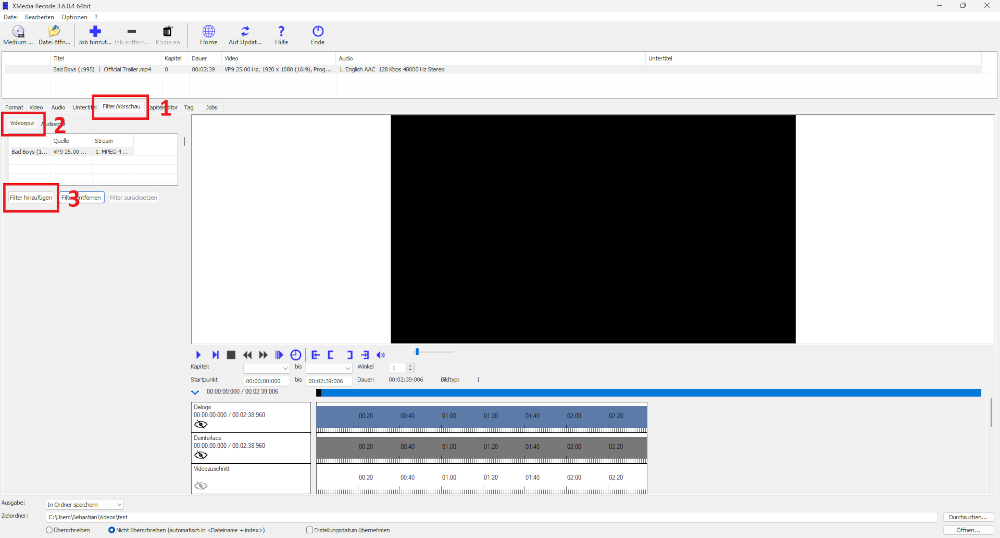
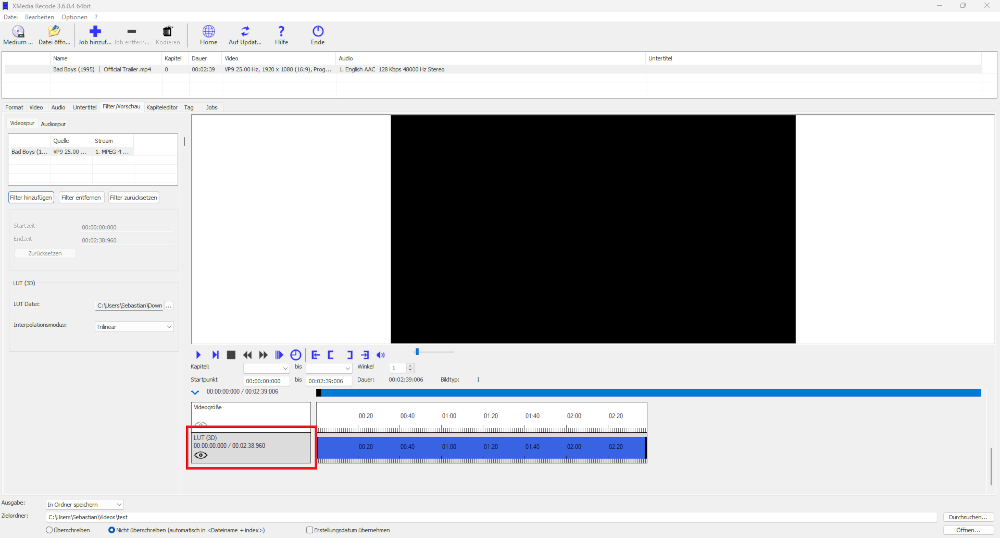
Step 1: Select the "Filter/Preview" tab and click the "Video Track" tab
With the "Add filter" button you can add the Lut 3D filter.
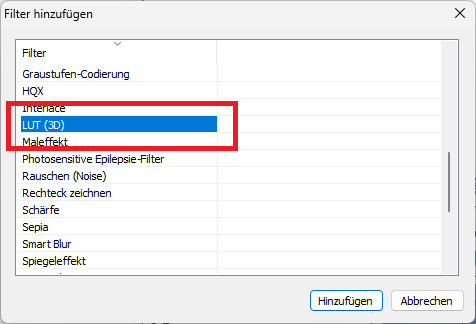
Step 2: Select Lut 3D filter and click "Add"
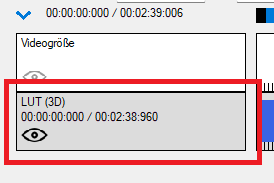
Step 3: Select Lut 3D and set start time or end time
Start Time
- Specifies the start time of the Lut 3D filter.
End Time
- Specifies the desired end time of the Lut 3D filter.
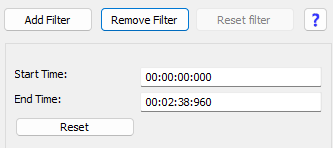
The start time defines the moment the LUT 3D filter is applied to the video, ensuring that the color corrections or effects begin at a specific point. The end time indicates when the filter loses its effect, so that only the desired section of the video is edited. This precise control makes it possible to apply the visual changes only to certain scenes or sequences, achieving the effect in a targeted manner and without affecting other parts of the video.
Advertisement
Lut 3D filter settings
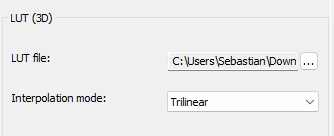
Lut file
Select a 3D LUT file
interpolation mode
- Nearest Use values from the nearest defined point.
- Trilinear Interpolate values using the 8 points defining a cube.
- Tetraedral: Interpolate values using a tetrahedron.
- Pyramid: Interpolate values using a pyramid.
- Prism: Interpolate values using a prism.
Before
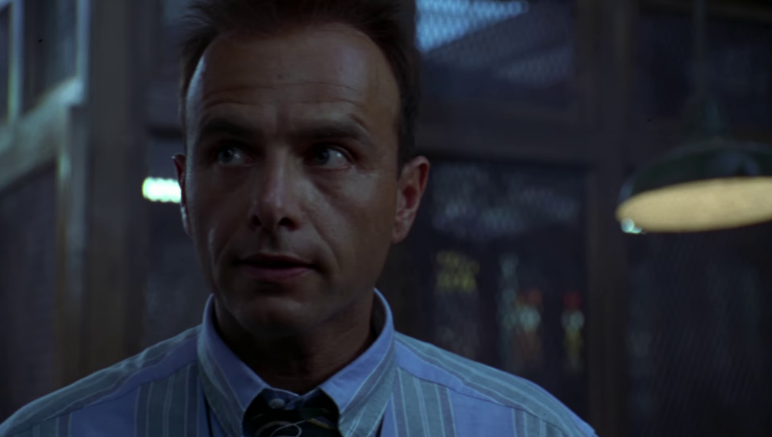
After
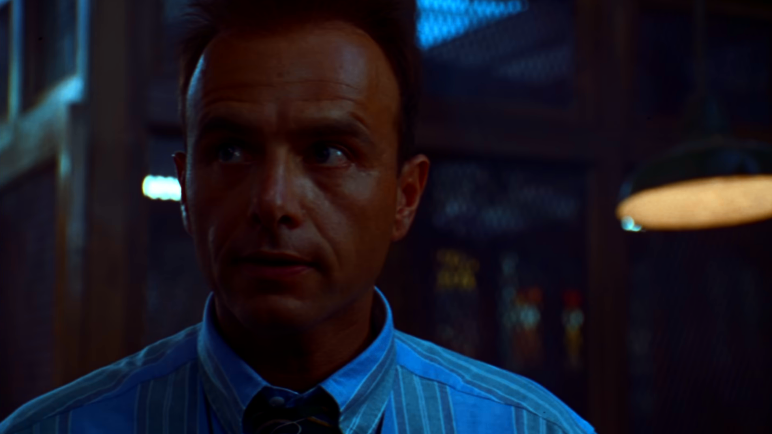
Before
After